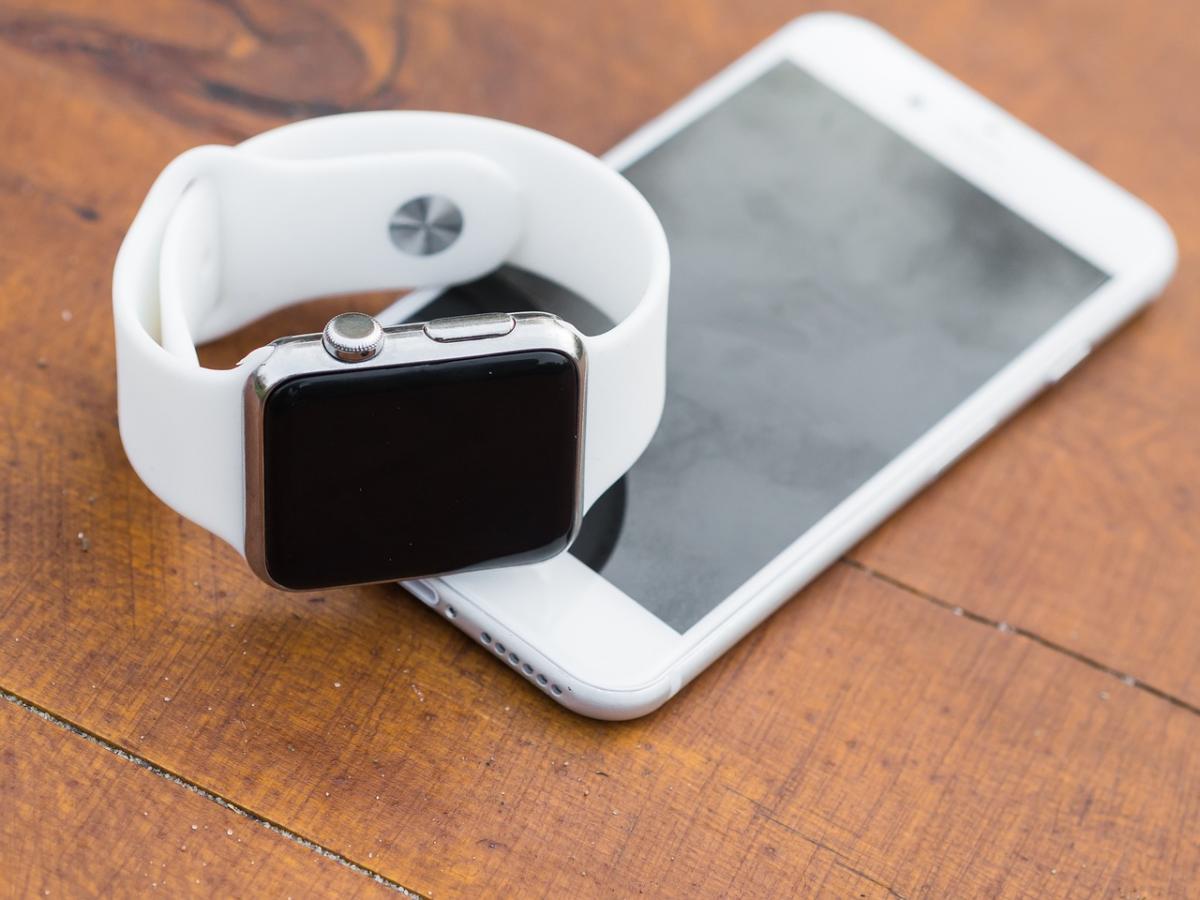
Your Apple iWatch is not just a pretty face; it’s packed with features ready to make your life easier. Start with customizing your watch face. You can choose from a variety of designs and complications, which shows important info like the weather, calendar events, and even fitness stats right where you want them.
Don't forget about the health features! The iWatch tracks your heart rate, counts your steps, and even monitors your sleep patterns. This can be a game changer if you're trying to stay fit. Set goals and get reminders to keep moving throughout the day. The more you engage with these features, the better you can manage your wellness.
Feeling disconnected? Use the messaging and call features straight from your wrist. You can respond to texts or answer calls without pulling out your phone. It’s super handy when you’re on the go. Pair it with your favorite Bluetooth headphones, and you can enjoy music or podcasts while you run errands.
Explore the App Store for watchOS apps. There’s a whole world of options! Whether you're into meditation, workout tracking, or productivity tools, there's something for everyone. Download a few apps that fit your lifestyle, and watch how your iWatch transforms into a personalized assistant.
Stay Fit and Track Your Progress
Staying fit is so much easier when you have the right tools, and your Apple iWatch is like having a personal trainer right on your wrist. With its built-in fitness tracking features, you can monitor your activity levels, workouts, and even your heart rate throughout the day. It's like having a little cheerleader encouraging you to move more!
Whether you’re hitting the gym, going for a run, or just taking a long walk, the iWatch tracks it all. You can choose from various workout modes, like running, cycling, or swimming. Each mode provides specific stats that help you see how you're progressing. Plus, using GPS on the iWatch means you can track your outdoor activities without needing your phone. How cool is that?
The Activity Rings feature is another game changer. You can easily see how much you’ve moved, exercised, and stood throughout the day. Getting those rings closed feels like a mini victory each day and keeps you motivated to reach your goals. You can even challenge friends to see who can close their rings first!
If you're serious about tracking your health, the iWatch also offers mindfulness apps, sleep tracking, and heart rate monitoring. It provides insights into your stress levels and how well you're sleeping. All these features help you understand your body better and make adjustments as needed to live a healthier lifestyle.
Customize Your Watch Face
Customizing your watch face is one of the coolest features of the Apple iWatch. You can make it truly yours! With just a few taps, you can change the look and feel to match your style or mood.
Start by pressing firmly on the current watch face. This action will pull up options for you. You’ll see various designs popping up, from classic analog styles to modern digital layouts. Pick one that catches your eye!
Once you’ve chosen a watch face, you can personalize it even further. Tweak the colors, add complications, and choose which information you want to see at a glance. Want to know the weather or check your calendar? You can add those features easily. Just tap on the complications and select what you need.
Feeling adventurous? You can even create a custom watch face using your own photos. Just select a favorite picture, and it’ll become the background. This can really add a personal touch. Who wouldn’t want a reminder of a special moment every time they check the time?
Don't forget to switch things up regularly! With so many options, you can keep your watch feeling fresh and exciting. Explore different designs until you find the perfect match for you!
Tips for Extended Battery Life
Want your Apple iWatch to keep up with your busy day? Here are some handy tips to help you get the most out of that battery life.
First off, take a look at your screen brightness. If it’s cranked up high, it drains battery fast. Lowering the brightness to a comfortable level can make a big difference. You can also turn on “Auto-Brightness” in the settings, which adjusts the brightness based on your surroundings.
Notifications can be super useful, but getting bombarded with every ping can be a battery killer. Go into your settings and disable notifications for apps that aren’t super important. This keeps your watch from constantly waking up and using power.
If you're not using your iWatch’s GPS, it’s a good idea to turn that off too. GPS is a major battery drain, especially if you’re not tracking your workout. Just switch it off when you don’t need it, and you’ll see better battery performance.
Lastly, try to keep apps and features you don’t use frequently closed. Running multiple apps in the background can really zap your battery. Swipe away any apps you’re not using to help extend your watch’s battery life.